Power your process with tools that just work.

Streamline your workflow with AI-driven dashboards built for speed, clarity, and control.
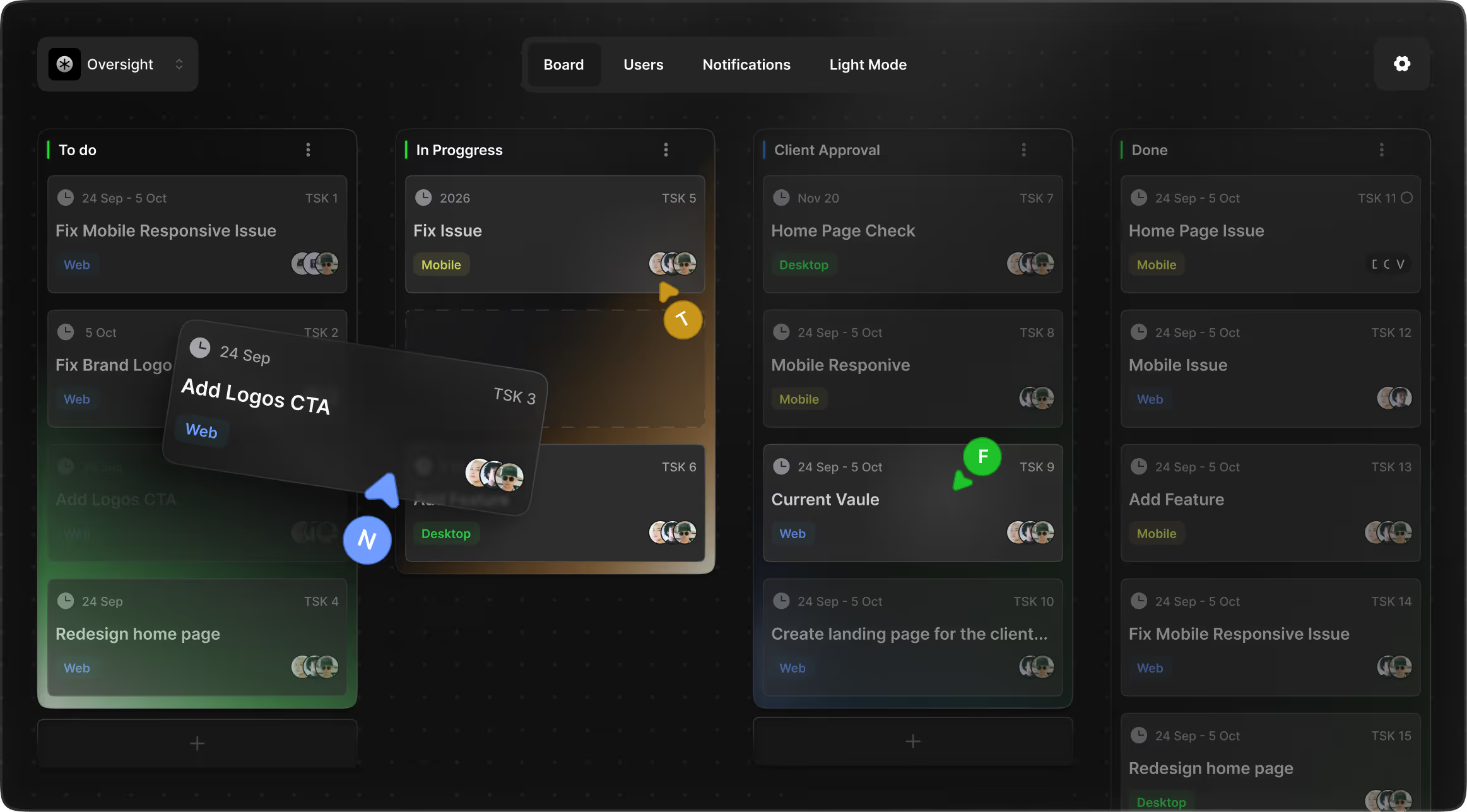
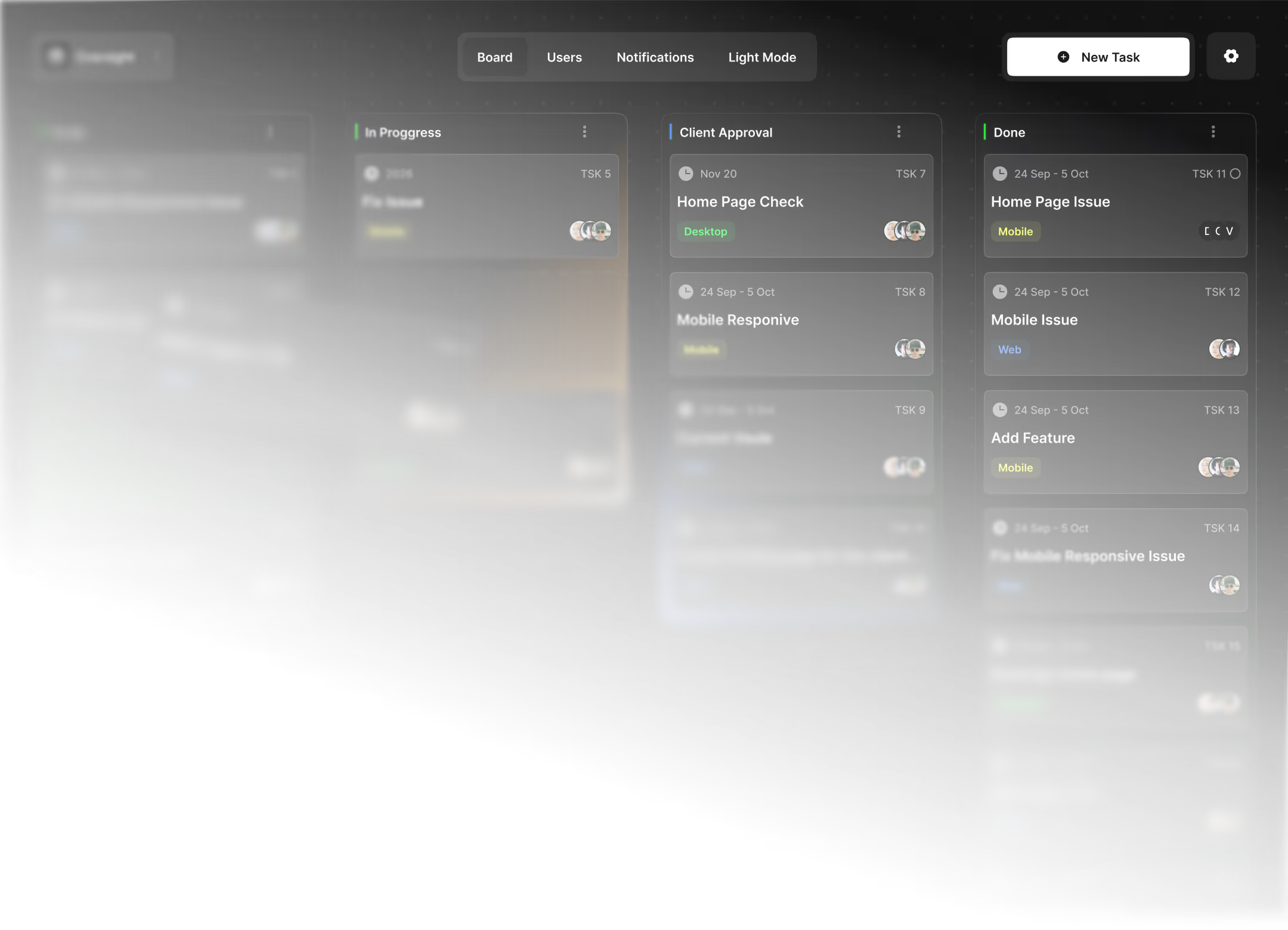
Dark mode project board showing task columns: To do, In Progress, Client Approval, and Done with user avatars.

Everything you need for a client-ready workflow

Designed for freelancers and agencies who want the power of a task board, but a client experience that feels clean and controlled.
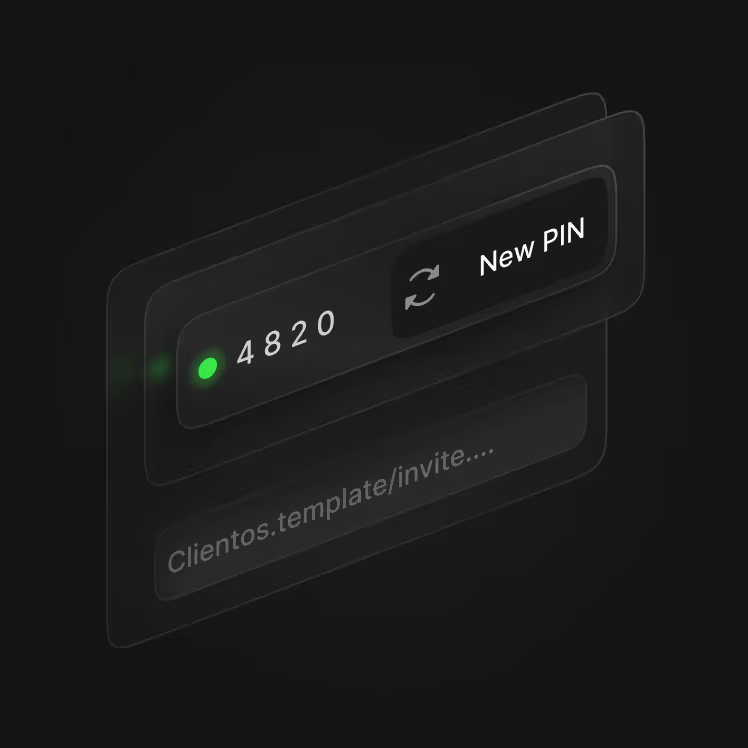
Dark interface showing PIN 4820 with a green dot and a button labeled New PIN.

Invite Links with Role

Share a link that already knows whether someone is a client or freelancer. No confusing role selection—just invite code + security PIN.

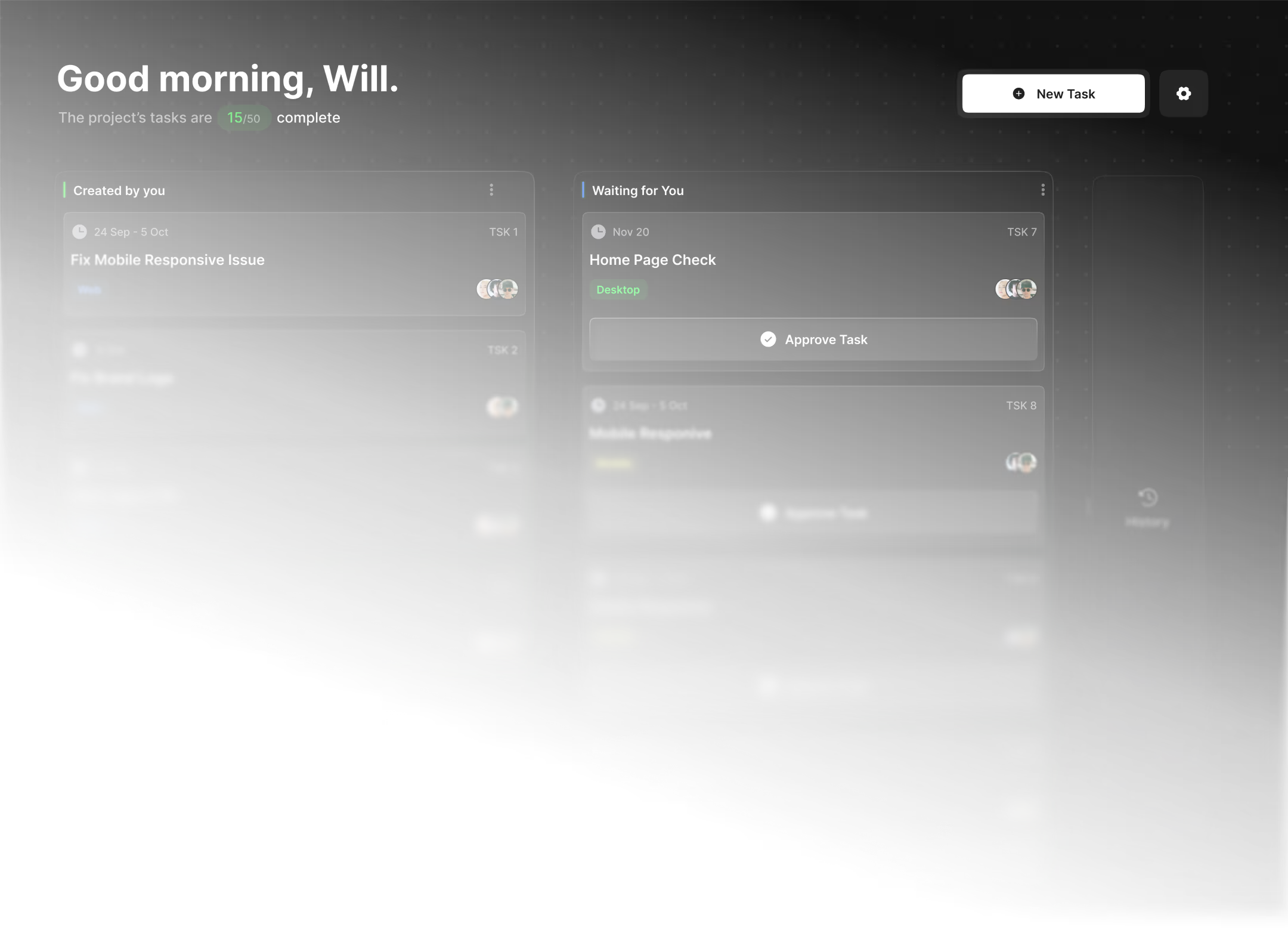
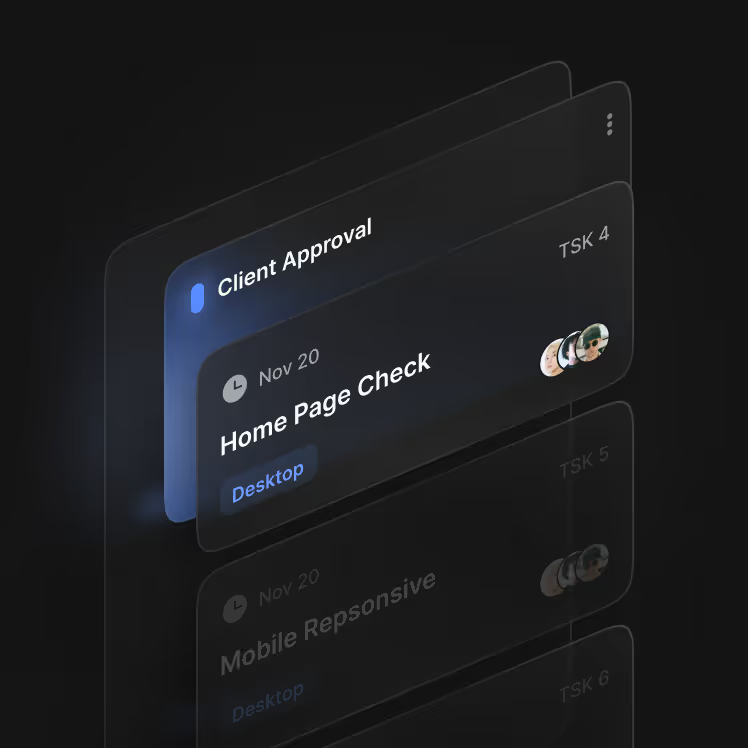
Dark-themed task list showing 'Client Approval' and 'Home Page Check' tasks with deadlines and avatars.

Client Visibility Controls

Mark tasks as client-visible and keep internal work internal. Clients see what you want them to see—nothing else.

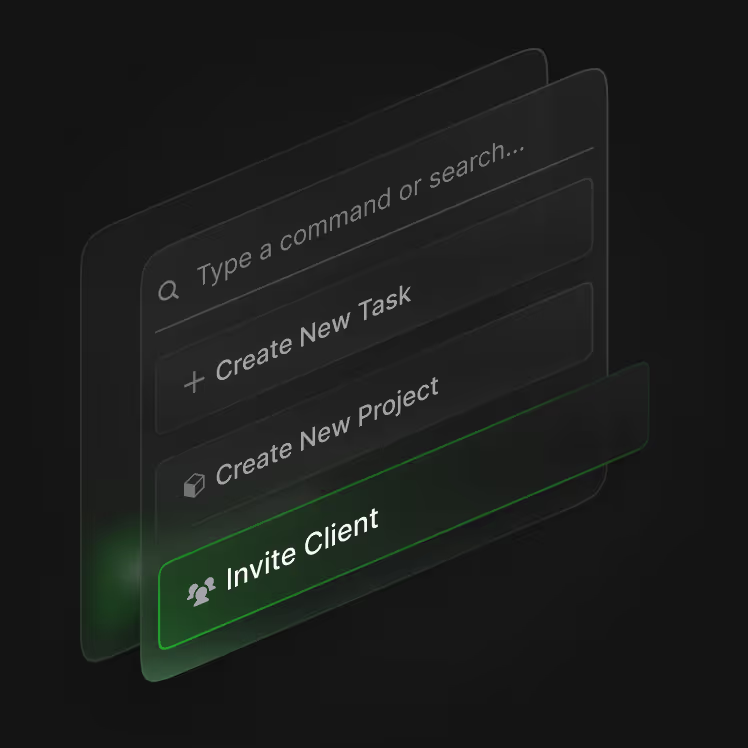
Transparent UI panels with options: Type a command, Create New Task, Project, and highlighted Invite Client.

Command Palette

Search tasks inside the current project, jump to task details, or trigger quick actions fast. Keyboard navigation included.

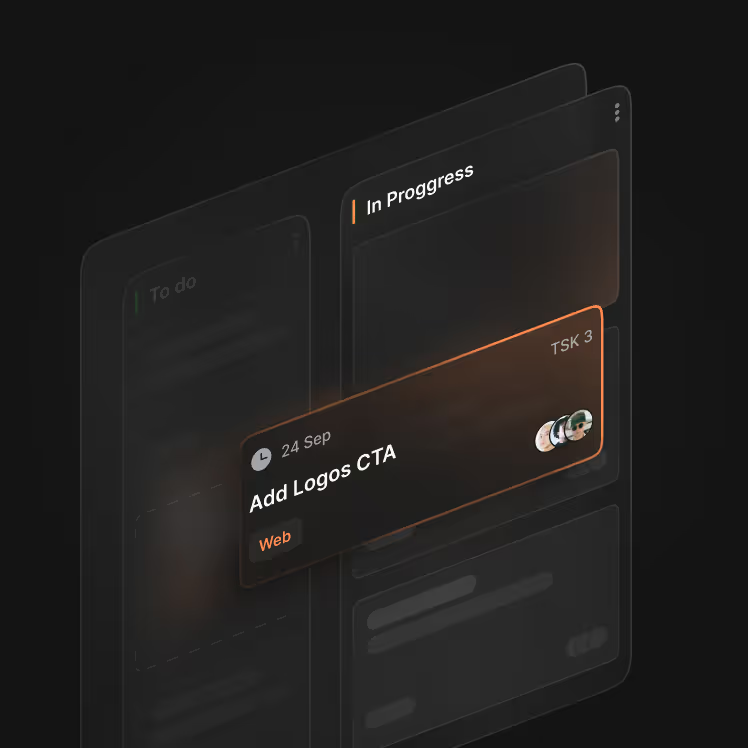
Digital task card titled 'Add Logos CTA' marked in Progress with a September 24 deadline and team icons.

Premium UI System

Consistent dark UI with modern components, gradients per column state, clean empty states, and smooth modal UX.

Dark interface showing PIN 4820 with a green dot and a button labeled New PIN.

Invite Links with Role

Share a link that already knows whether someone is a client or freelancer. No confusing role selection—just invite code + security PIN.

Dark-themed task list showing 'Client Approval' and 'Home Page Check' tasks with deadlines and avatars.

Client Visibility Controls

Mark tasks as client-visible and keep internal work internal. Clients see what you want them to see—nothing else.

Transparent UI panels with options: Type a command, Create New Task, Project, and highlighted Invite Client.

Command Palette

Search tasks inside the current project, jump to task details, or trigger quick actions fast. Keyboard navigation included.

Digital task card titled 'Add Logos CTA' marked in Progress with a September 24 deadline and team icons.

Premium UI System

Consistent dark UI with modern components, gradients per column state, clean empty states, and smooth modal UX.

Two views. One workflow.

Clients only see what you allow.

Questions?

Whether you’re new or exploring deeper support, we know you may have questions.

What is our AI Chat App?

Discover a sophisticated chat solution powered by cutting-edge AI technology, designed to enhance your communication and boost productivity. Explore how our app transforms the way teams collaborate and interact.

How does the AI feature work?

Our intelligent algorithms analyze conversations in real-time, providing contextual suggestions that enable seamless communication. Experience a chat assistant that evolves with your needs.

Is my data secure?

Data security is our priority. We use advanced encryption methods and comply with industry standards to ensure your conversations remain private and safe, giving you peace of mind.

Can I customize the app?

Absolutely! Our AI Chat App offers various customization options, allowing you to personalize themes, notifications, and even the AI's responses to align with your brand's voice.

Still have questions?

Can’t find the answer you’re looking for?

Ready to Work?

Power your process with tools that just work.

Upgrade Your AI Experience

Power your process with tools that just work.

Lorem ipsum dolor sit amet, consectetur adipiscing elit Mauris id nunc odio aliquam et tellus urna.

Thank you!
Your submission has been received!
Oops!
Something went wrong! Try again later
Dark mode project board showing task columns: To do, In Progress, Client Approval, and Done with user avatars.